
Photo and video face swap for iPhone

AI Face Swap

Turn one photo into stylized portraits and videos with ready-made templates.
AI Video Explore templates AI Records
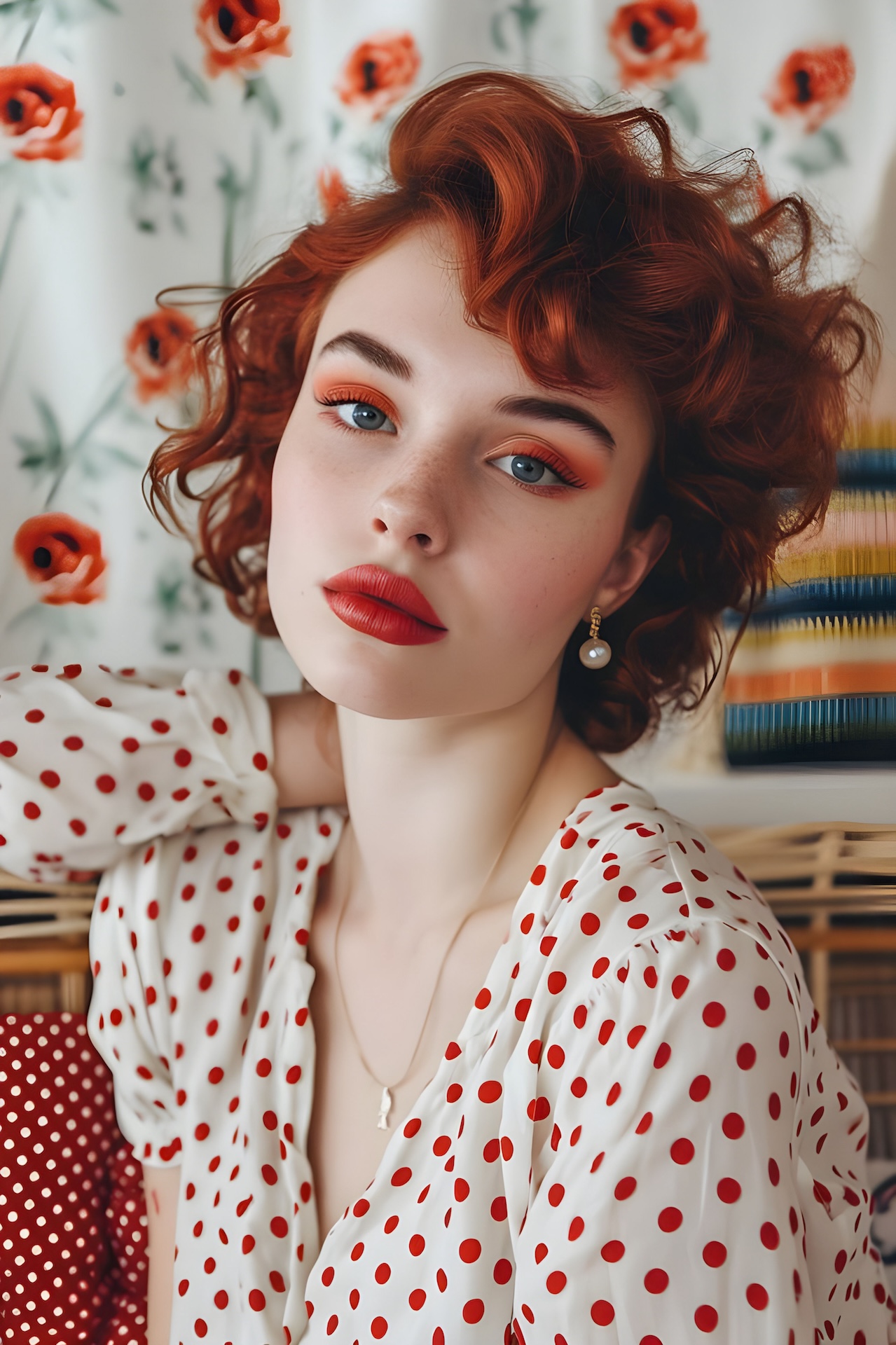
Original portrait template
Face-swapped portrait result
Before After

Templates

Trending Videos

Start from cinematic motion templates, then add your own face in the app.

Cowgirl video result preview
AI Video

Cowgirls and cowboys

Retro portrait video preview
AI Video

Retro portrait motion

Business video preview
AI Video

Studio profile clip

Styles

Photo Templates

Explore ready-made looks for portraits, profile shots, retro scenes, and character styles.

80's Fever template preview
80's Fever

Colorful retro portraits

Business Photo template preview
Business Photo

Clean profile looks

Old Money template preview
Old Money

Elegant classic styling

Rococo template preview
Rococo

Period costume scenes

Vintage template preview
Vintage

Soft studio portraits

Cowboys and Cowgirls template preview
Cowboys and Cowgirls

Western character shots

How it works

Swap in three steps

Ai Face Swap keeps the flow short: choose a face, pick a template, then save the result.

01

Choose a face

Select a photo from your library or capture one with the camera.

02

Pick a template

Browse Explore, AI Video, and curated photo template categories.

03

Export image or video

Save generated results to your library and keep records in the app.

Unlock creative face swaps on iPhone.

Download Ai Face Swap and start with ready-made portrait and video templates.

Download on the App Store